AI Tools for teachers and educators
Wangaratta High School has a number of bespoke AI tools for testing proof-of-concept experimentation and supporting teacher workload and professional learning. These tools are available for other interested users. Access to some apps and tools is restricted to Department of Education users.
Several are web-based, AI-powered, and others are apps that you just download to your Mac or Windows device and run locally.
PAL-Assist
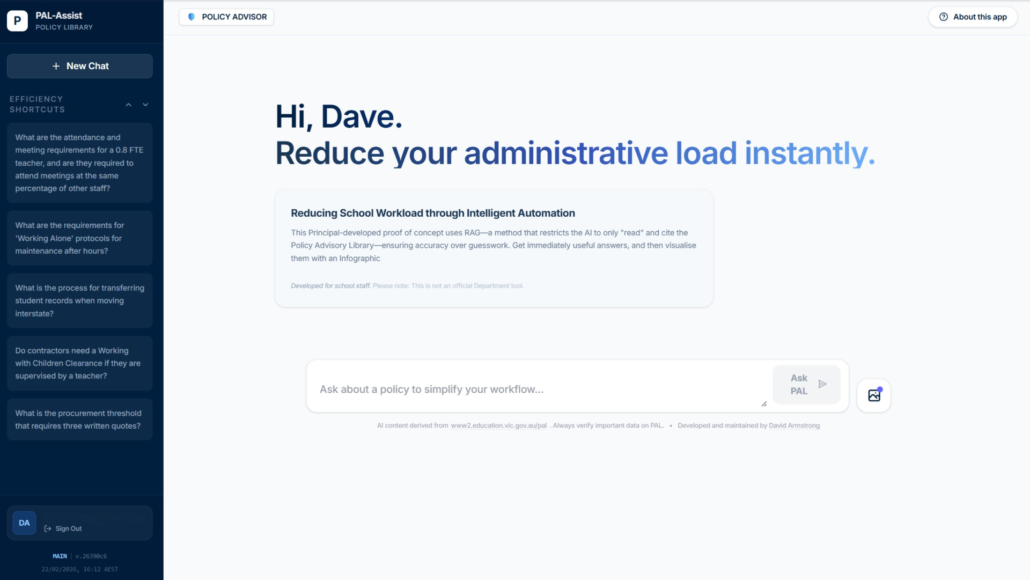
- Student Wellbeing & Engagement: Policies regarding health, safety, and student support.
- School Operations: Enrollment, attendance, and administration protocols.
- Human Resources (HR): Staffing, payroll, and workforce management guidelines.
- Finance & Procurement: Budgeting standards and authorised purchasing frameworks.
- Infrastructure: Facilities management, maintenance, and capital works advice.
- Curriculum & Learning: Frameworks for teaching standards and school improvement.
- Digital & Information: IT security, data management, and privacy compliance.
By indexing these official policy domains, PAL-Assist ensures that every answer is directly traceable to current Departmental guidance.
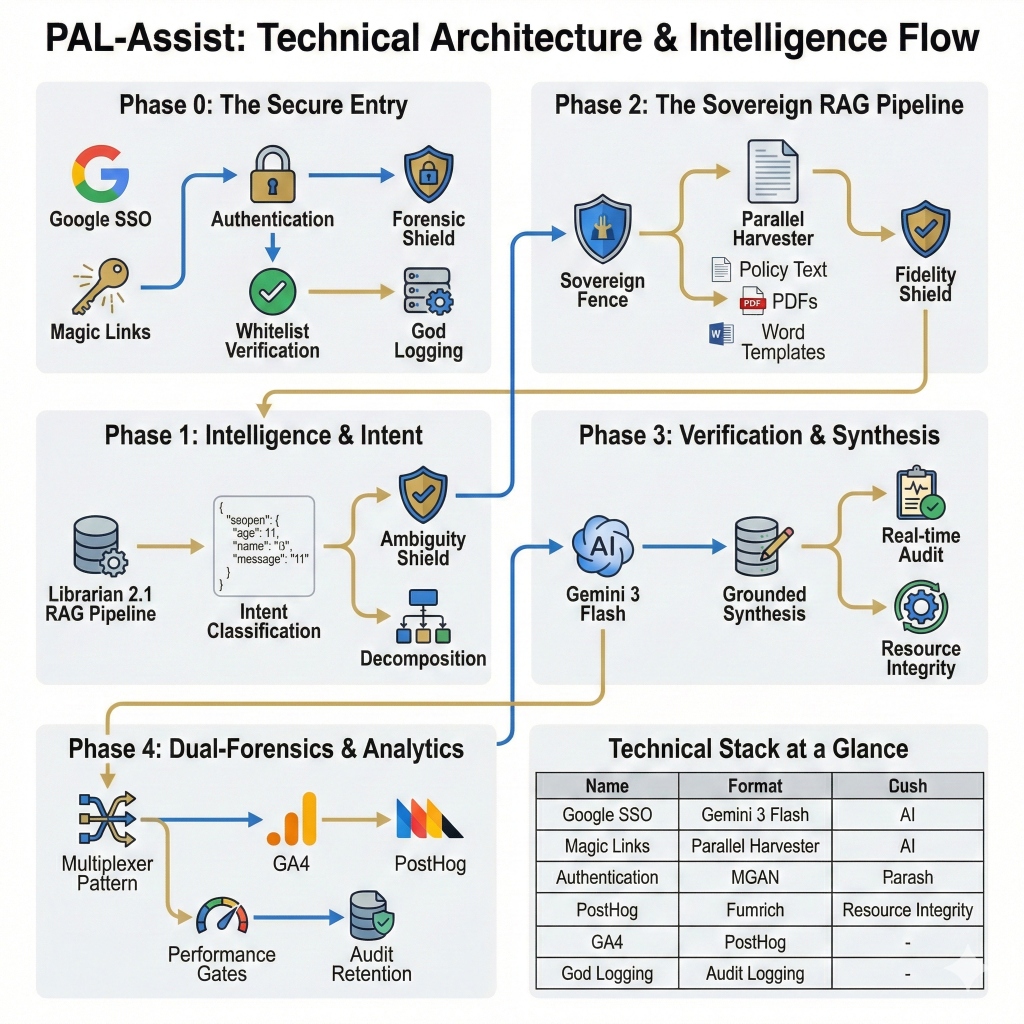
System Intelligence Architecture
- RAG Pipeline Schematic The blueprint of how PAL-Assist processes your query through multiple layers of verification.
- Executive Brief — Optimised for speed using Google’s Gemini 3 Flash, providing instant high-level summaries for an immediate policy overview.
- Compliance Audit — An exhaustive analysis mode that cross-references multiple policy clauses for complex regulatory queries.
Intelligence Pipeline
- The Librarian 2.2: Decomposes complex prompts into atomic sub-queries and expands technical Departmental acronyms (SRP, NCCD, etc.)
- Recursive Search: Automatically broadening search parameters if initial queries yield no results, ensuring comprehensive policy recall.
- The Ambiguity Shield: Active input wrapping that neutralises prompt-injection attempts to keep searches secure.
- The Auditor: A reactive verification layer that audits every response against official policy chunks to flag unsupported claims and eliminate hallucinations.
Every source cited by PAL-Assist is verified through a URL integrity pipeline, ensuring that all linked policies resolve to real, working pages on education.vic.gov.au.
Principal’s Responsibility
- Unofficial Status: PAL-Assist is an independent research aid and published as a proof of concept. It is NOT an official Department tool.
- Mandatory Review: Always click the provided links to verify the advice on the PAL website before taking administrative action.
- Data Safety: Never enter student names, staff names, or school-specific identifiable information and use the tool in alignment with the Department’s Generative AI Policy
Responsible Use
This is an experimental tool powered by Google Gemini. Teachers remain in full control, and all generated content should be carefully reviewed for accuracy and contextual fit.
Do not enter the names of students or staff into any input fields.
Use the tool only in line with the Victorian Department of Education’s Generative AI Policy.
Access and User Information
Generated outputs may be collected to help improve the tool.
Google states that customer data is not used for training or fine-tuning Gemini models without explicit permission.
Privacy Policy
For full details on how data is collected, stored, and protected, please see our App Privacy Policy.
Curriculum and Lesson Planning AI Assistant
 Your AI partner for smarter, faster planning.
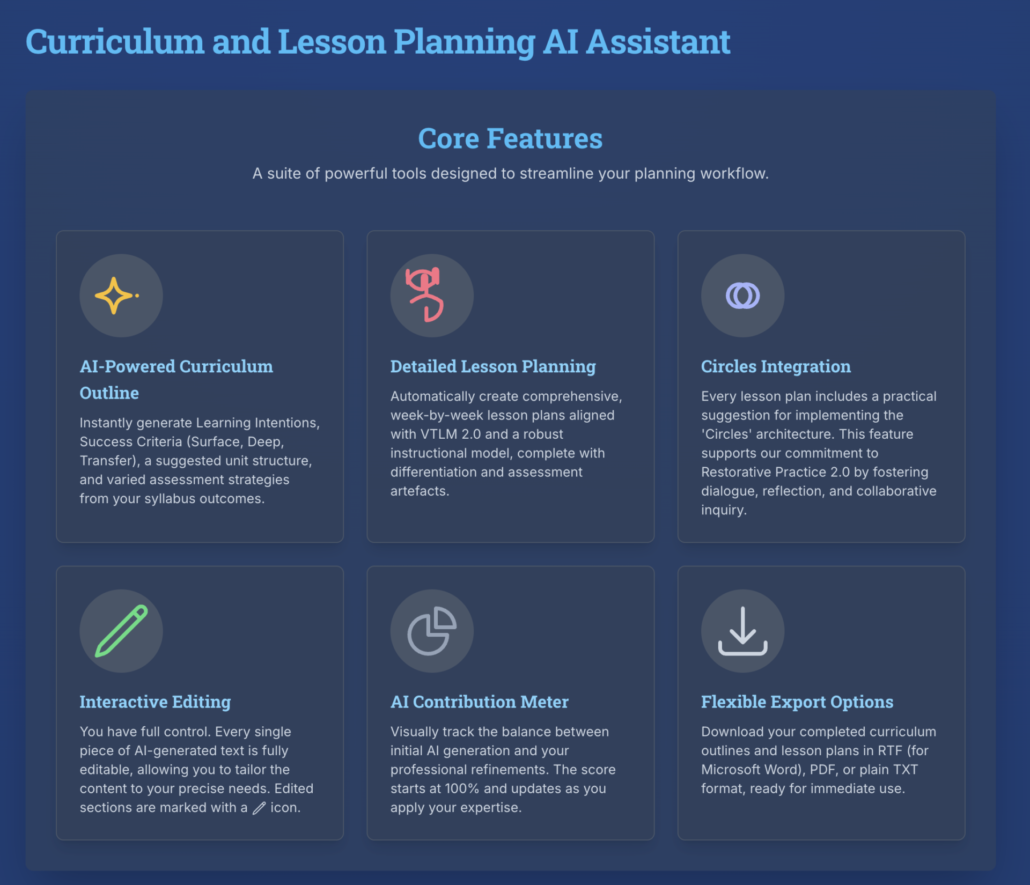
This application helps teachers rapidly create curriculum outlines, lesson plans, and assessment tools that are fully aligned with VTLM 2.0 and a robust instructional model. Developed by Wangaratta High School, it is designed to save time, amplify teacher expertise, and support high-quality learning design.
What the App Does
AI-Powered Curriculum Outlines: Generate learning intentions, success criteria (surface, deep, transfer), unit structures, and varied assessment strategies directly from syllabus outcomes.
Detailed Lesson Planning: Create week-by-week lesson plans with built-in differentiation and assessment artefacts, aligned to VTLM 2.0.
Circles Integration: Each lesson plan includes a practical suggestion for using the Circles architecture to support Restorative Practice 2.0.
Interactive Editing: All AI-generated text is fully editable, with an AI Contribution Meter that shows the balance between AI and teacher input.
Flexible Export Options: Download curriculum outlines and lesson plans in RTF (Word), PDF, or TXT for immediate classroom use.
Responsible Use
This is an experimental tool powered by Google Gemini. Teachers remain in full control, and all generated content should be carefully reviewed for accuracy and contextual fit.
Do not enter the names of students or staff into any input fields.
Use the tool only in line with the Victorian Department of Education’s Generative AI Policy.
Access and User Information
Generated outputs may be collected in anonymised form to help improve the tool. Data is never linked to individual accounts.
Google states that customer data is not used for training or fine-tuning Gemini models without explicit permission.
Privacy Policy
For full details on how data is collected, stored, and protected, please see our App Privacy Policy.
Bulk Redact Tool
When sharing student assessment reports — with other schools, services, or agencies — Australian privacy law and professional ethics require that identifying information be removed. Doing this manually is slow, error-prone, and stressful.
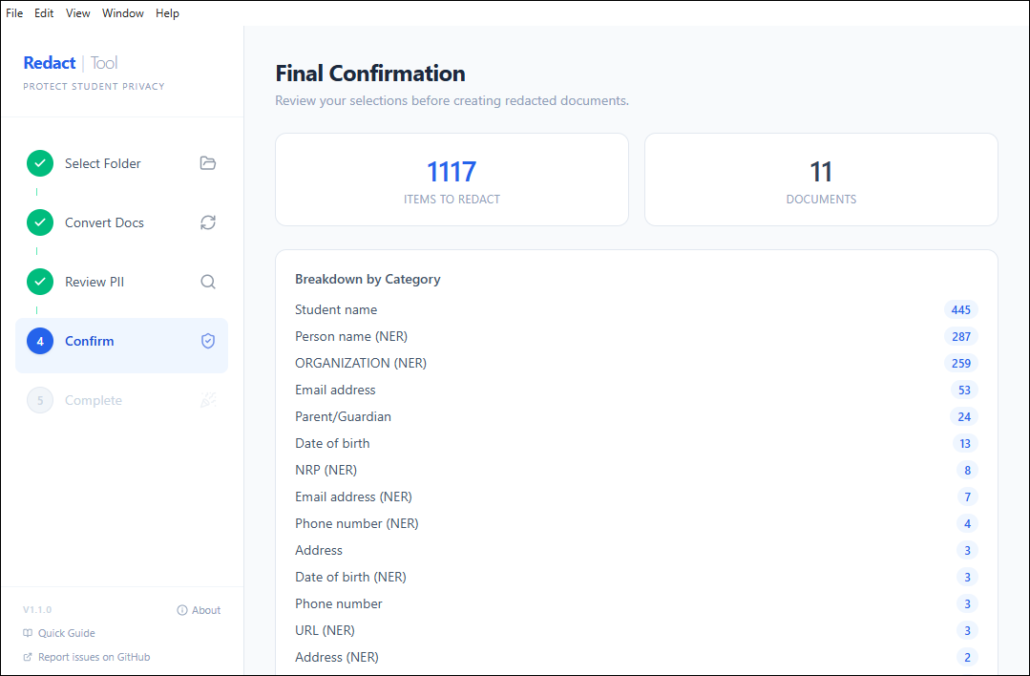
The Bulk Redaction Tool automates this process. You point it at a folder of documents, tell it the student’s name, and it:
- Finds every piece of personally identifiable information (PII) in the documents
- Shows you each item for approval — you stay in control
- Burns the approved items out of the PDFs permanently (not just visually covered — the text is gone)
- Saves redacted copies alongside the originals, which are never touched
- Produces a full audit log of everything that was redacted
Plain English: It’s like using a black marker on paper, except it works on PDFs and Word documents, it finds things you might miss, and it can’t be undone by selecting the text.
Please take care relying on it. Every care has been taken, but it is the user’s responsibility to decide if the app is suitable.
The app is stored on a software developer platform called GitHub. You can read more about it here and get access to Mac and Windows download versions, or engage with the code and further improve it yourself.
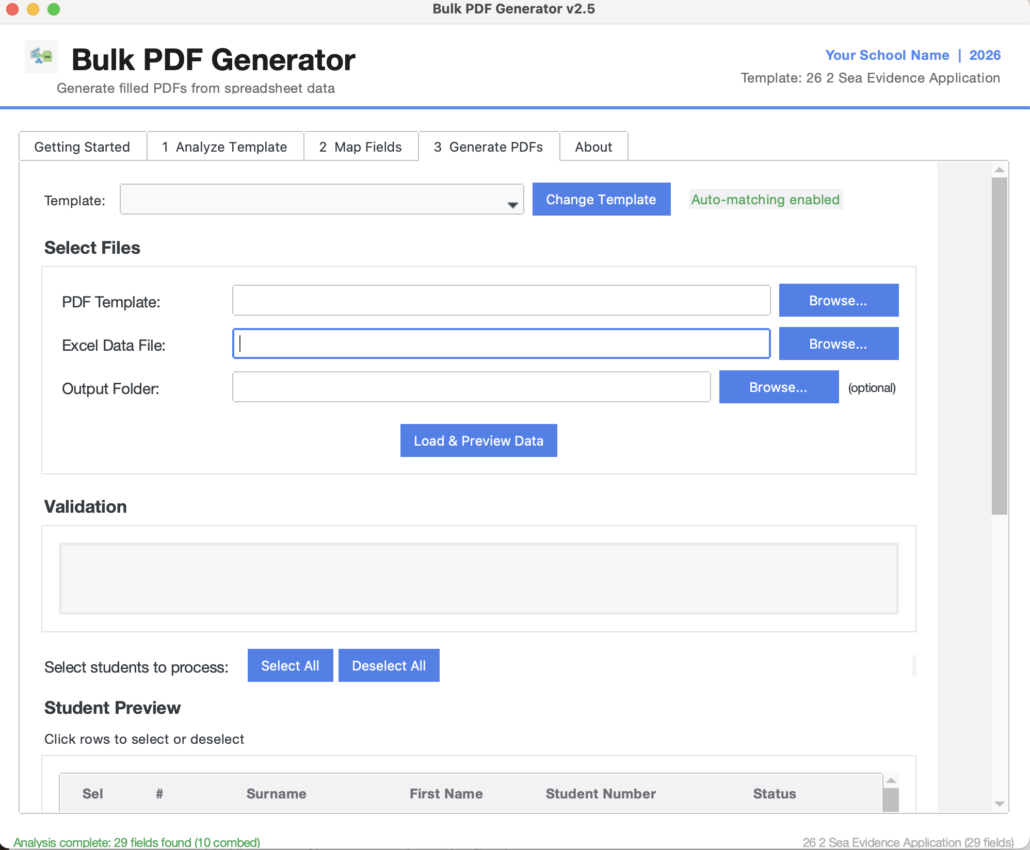
Bulk PDF Generator
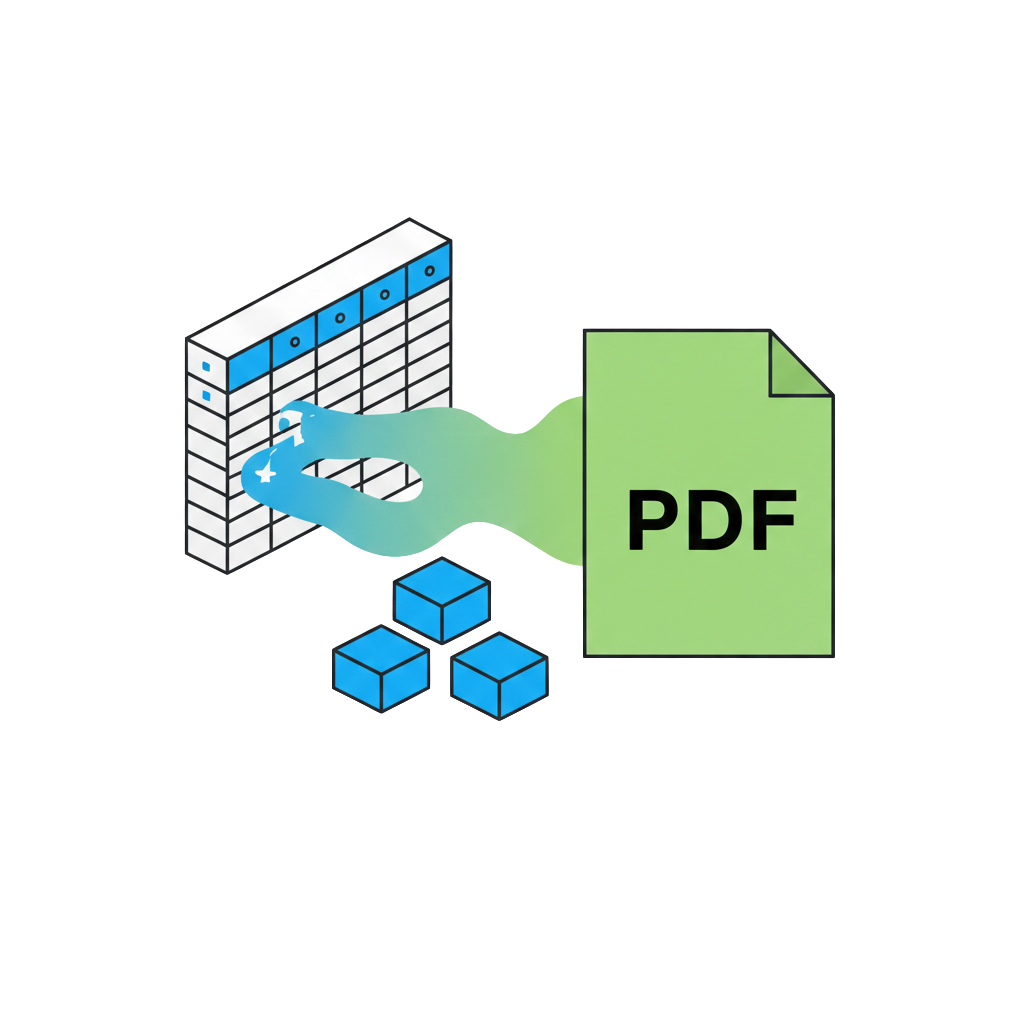 This is a stand-alone app for Windows and Mac that helps staff complete PDF forms in bulk (it does not use AI). The tool evaluates and maps all fillable fields in a PDF, requests user confirmation, and provides feedback. It then generates a fillable Excel document, allowing users to create between one and theoretically hundreds of records with relative ease. After that, it creates a completed PDF form for each record, saving them in a folder of the user’s choice, with each file being uniquely named as the user decides.
This is especially useful for bulk forms needed by staff, such as VCAA forms. It operates locally (you install it on your computer), and it does not send any information to the cloud.
The app is in ongoing development, and it’s worth doing some tests with it to be satisfied it’s reliable and accurate to your needs before you consider if it’s suitable for your needs. Please take care relying on it. Every care has been taken, but it is the user’s responsibility to decide if the app is suitable.
The app is stored on a software developer platform called GitHub. You can read more about it here and get access to Mac and Windows download versions, or engage with the code and further improve it yourself.