AI Tools for teachers and educators
Wangaratta High School has a number of bespoke AI tools for testing proof-of-concept experimentation and supporting teacher workload and professional learning. These tools are available for other interested users. Access to some apps and tools is restricted to Department of Education users.
Several are web-based, AI-powered, and others are apps that you just download to your Mac or Windows device and run locally.
Presentation to principal’s and school leaders
Our principal, David Armstrong, has spoken in a number of forums about his perspectives on AI in education.
You can view and download the resources below (use the 3 tops menu to access the download option)
Wispr Flow AI
Wispr Flow is an AI-powered voice dictation tool that works across every app on your device. You press a hotkey, speak naturally, and it produces clean, well-formatted text — removing filler words and adjusting tone for context. It
 runs on Mac, Windows, and iOS.
For school leaders and teachers, the practical value is in the volume of writing the role demands. Reports, emails, staff communications, and meeting notes can be dictated on the go rather than typed at a desk. Most users find it significantly faster than typing once they are past the initial adjustment period. Highly recommended.
Teachers can use it to draft feedback, lesson notes, and correspondence without being tied to a keyboard. It works in Google Docs, Gmail, and most other apps your school already uses.
Wispr Flow has a free tier and a paid plan is available. Education pricing is available – request via a support ticket via the Wispr site.
Register via this link for a free month of Pro level access
New NAPLAN Cohort-Tracker (early release)
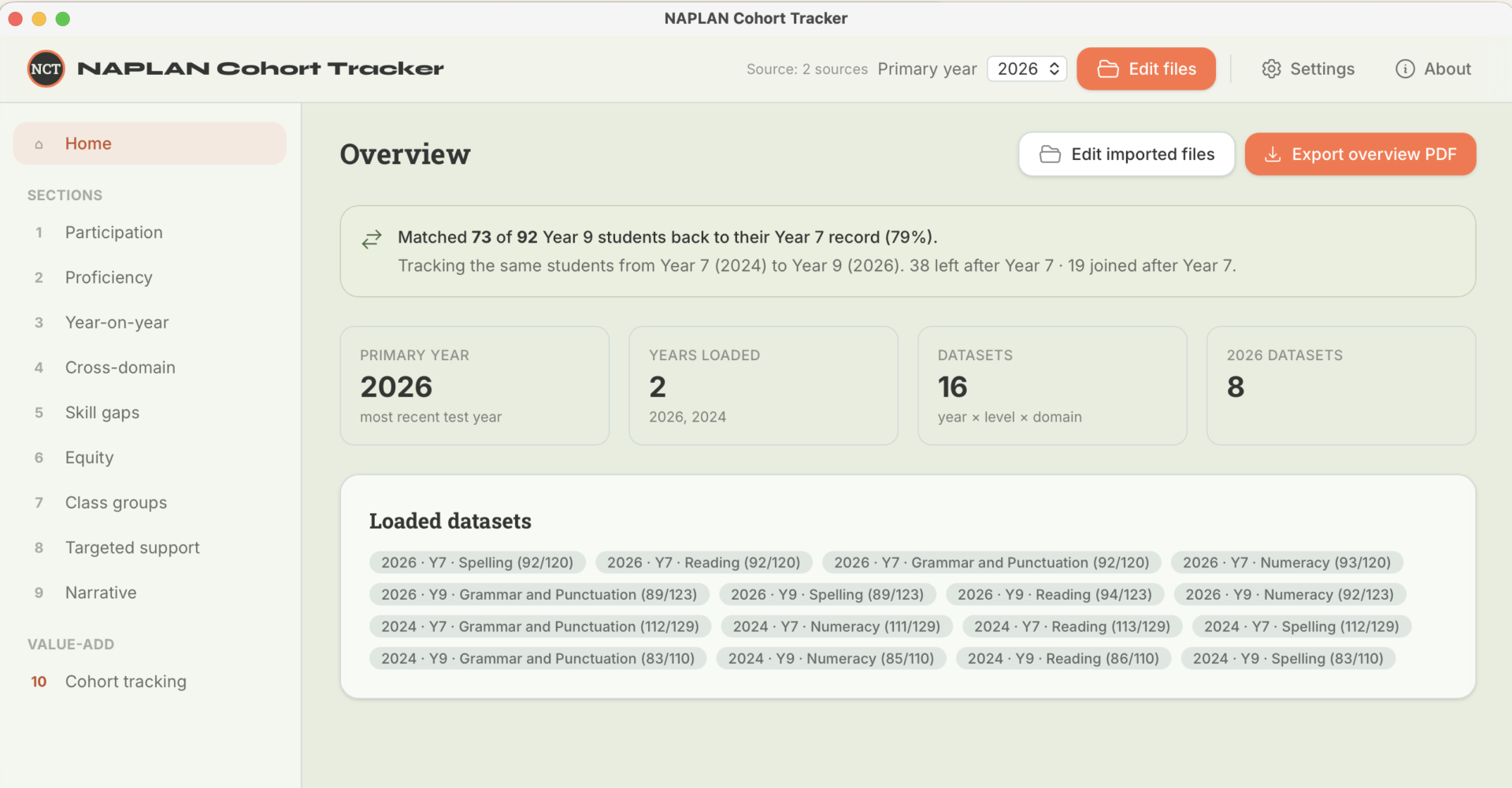
NAPLAN Cohort Tracker analyses your school’s NAPLAN Preliminary results. Each year ACARA (the Australian Curriculum, Assessment and Reporting Authority) releases a preliminary Student and School Summary Report (SSSR), usually during Term 2. The preliminary SSSR gives schools the School (IDA) Report, Class Summary Report, Class Test Report, Student Reports and proficiency-standard information.
This app reads those files and surfaces participation, proficiency, equity and skill gaps and — the headline — the same students tracked from Year 7 to Year 9 (the school’s value-add), with both an on-screen view and two PDF reports. No student data leaves the machine; no student names appear anywhere.
PAL-Assist
PAL-Assist is a high-performance compliance agent for the Victorian Policy & Advisory Library (PAL). Powered by Gemini 3 Flash and Nano Banana 2 and hosted on Google Cloud, it provides grounded, defensible advice directly from official sources.
Permanent short link to PAL-Assist: whs.vic.edu.au/palassist
Access PAL-Assist →
Curriculum & Lesson Planner
Your AI partner for smarter, faster planning.
Rapidly create curriculum outlines and lesson plans fully aligned with VTLM 2.0. Designed by Wangaratta High School to save time and amplify teacher expertise.
Bulk Redact Tool
NOTE (31/5/26): If you downloaded the original version (version 1.1.1 or older) for your Mac there was a small bug that prevents the app updating to the latest version (new features, small fixes etc). Please re-download from the link below to get the latest version (provided on the 31/5/26) that will update properly in the future.
When sharing student assessment reports — with other schools, services, or agencies — Australian privacy law and professional ethics require that identifying information be removed. Doing this manually is slow, error-prone, and stressful.
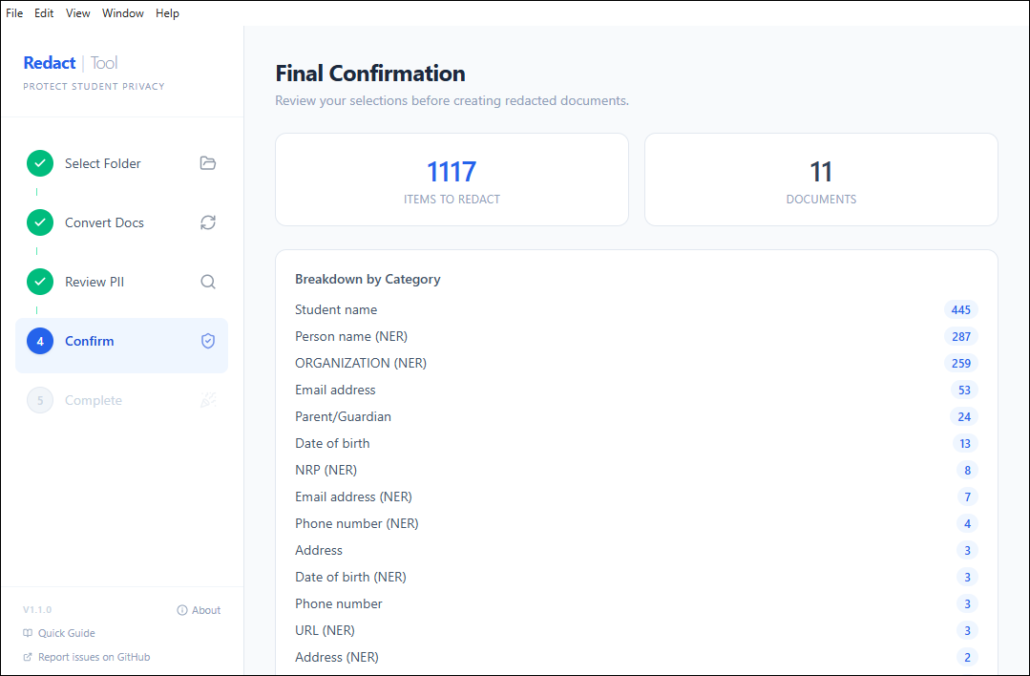
The Bulk Redaction Tool automates this process. You point it at a folder of documents, tell it the student’s name, and it:
- Finds every piece of personally identifiable information (PII) in the documents
- Shows you each item for approval — you stay in control
- Burns the approved items out of the PDFs permanently (not just visually covered — the text is gone)
- Saves redacted copies alongside the originals, which are never touched
- Produces a full audit log of everything that was redacted
Plain English: It’s like using a black marker on paper, except it works on PDFs and Word documents, it finds things you might miss, and it can’t be undone by selecting the text.
Please take care relying on it. Every care has been taken, but it is the user’s responsibility to decide if the app is suitable.
The app is stored on a software developer platform called GitHub. You can read more about it here and get access to Mac and Windows download versions, or engage with the code and further improve it yourself.
Bulk PDF Generator
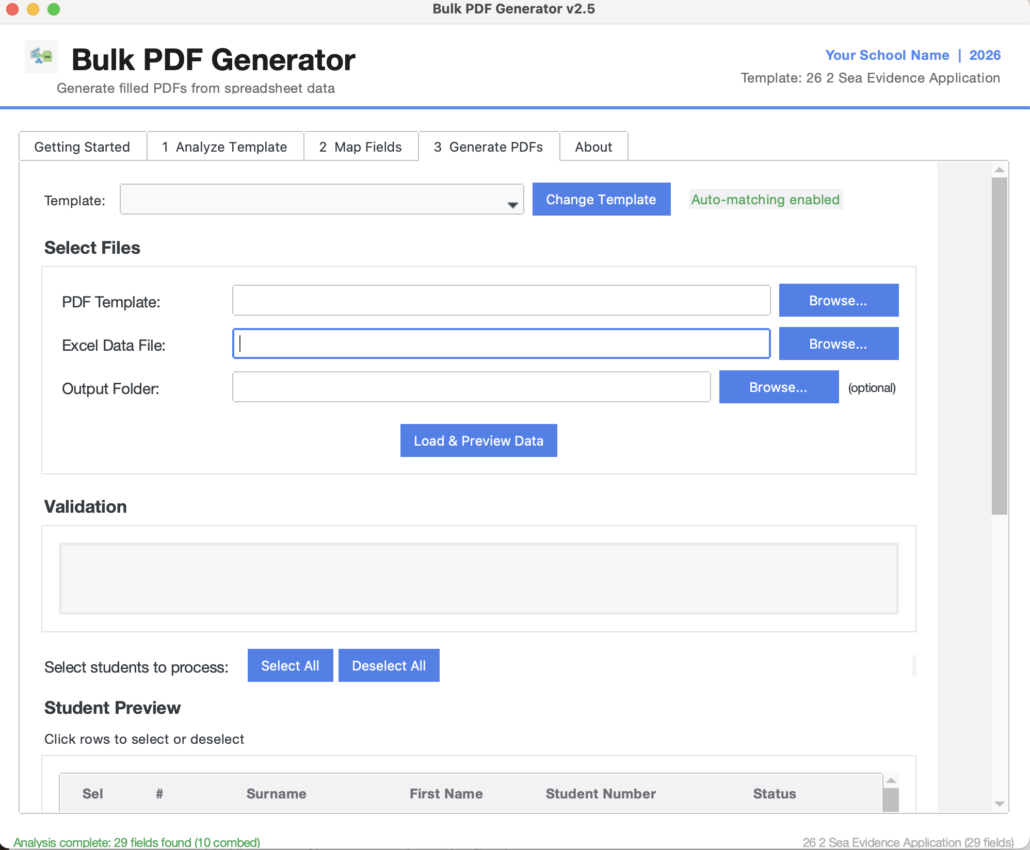
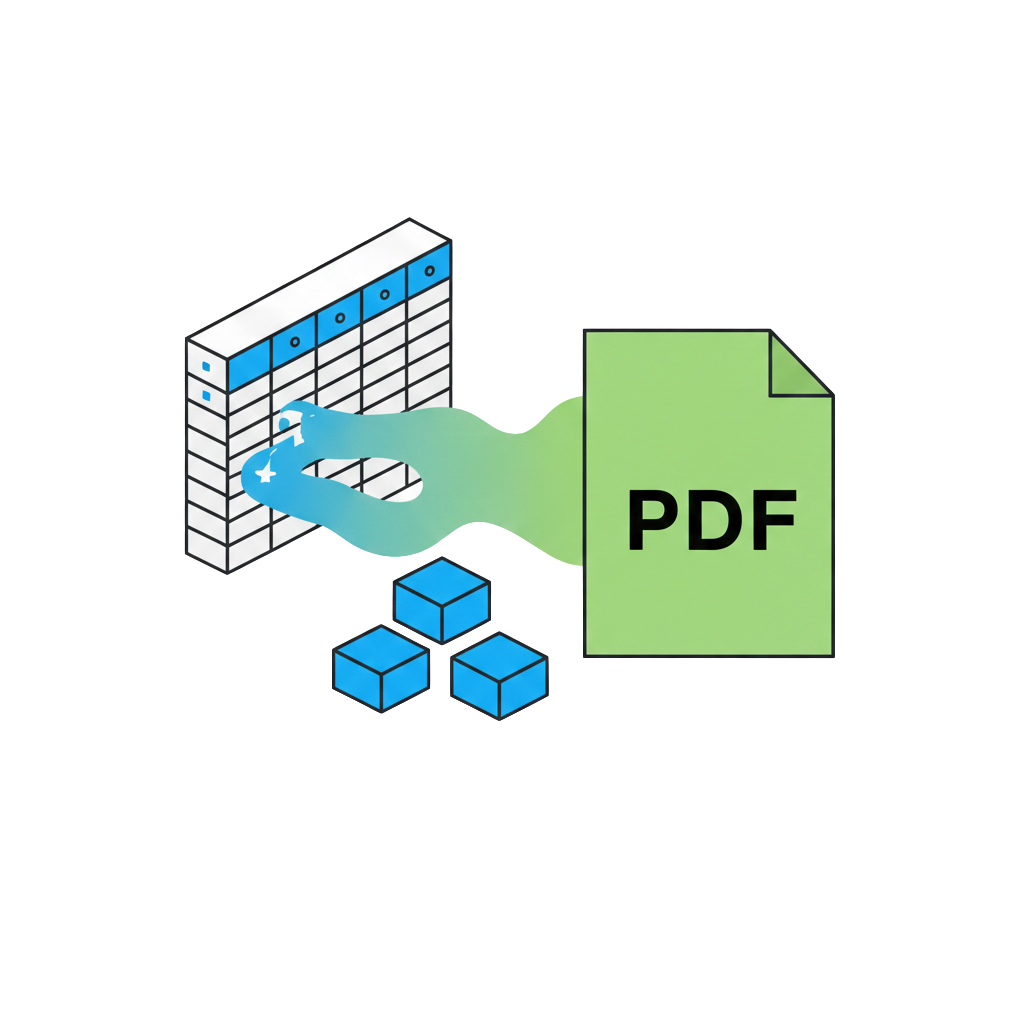 This is a stand-alone app for Windows and Mac that helps staff complete PDF forms in bulk (it does not use AI). The tool evaluates and maps all fillable fields in a PDF, requests user confirmation, and provides feedback. It then generates a fillable Excel document, allowing users to create between one and theoretically hundreds of records with relative ease. After that, it creates a completed PDF form for each record, saving them in a folder of the user’s choice, with each file being uniquely named as the user decides.
This is especially useful for bulk forms needed by staff, such as VCAA forms. It operates locally (you install it on your computer), and it does not send any information to the cloud.
The app is in ongoing development, and it’s worth doing some tests with it to be satisfied it’s reliable and accurate to your needs before you consider if it’s suitable for your needs. Please take care relying on it. Every care has been taken, but it is the user’s responsibility to decide if the app is suitable.
The app is stored on a software developer platform called GitHub. You can read more about it here and get access to Mac and Windows download versions, or engage with the code and further improve it yourself.